

Recommend a launch path by Monday.
How it works
Bring the judgment and let your agents do the legwork.
Give your agents the context they need, then see every step they take and the evidence behind it.
- See the context
- Trace the work
- Decision
People · Launch planning chat
Does partner load stay inside support capacity?
Accepted. Private beta; pricing deferred.
LAUNCH-14Draft
Beta launch recommendation
- Context
- Recommend a launch path by Monday.
- Sources
- Pilot notes · Q2 support themes
- Traced work
- Private beta proposed. Capacity note attached.
- Owner
- Maya decides. Agents draft, don’t publish.
- Decision
- Accepted. Private beta; pricing deferred.
Agent · research session
Using pilot notes and Q2 support themes.
Private beta proposed. Capacity note attached.
Decision recorded. Next run starts from the accepted state.
Why continuity
Pick up the work without rebuilding the history.
Pull your decisions out of scattered chats. Keep the brief, review and decision on one task, so the next person or agent starts from what you accepted.
Without a durable record
A patch on its own
Prompt
Patch
Chat log
Ship a change with its intent scattered across a prompt, a patch and a chat log, and your next agent starts by reconstructing why.
With Weave
A task in Weave
Brief
Work
Review
Decision
Hand your next agent the accepted launch path and its capacity note before it proposes another step.
Fleet · Beta launch
Beta launch readiness
Draft the launch recommendation
In review
Agent · Brief, audience notes and competitor sources attached.
Build the go/no-go checklist
To do
Maya · Owners assigned · Evidence fields still open.
Hermes Console
Organize chat and workflow the same way.
Group your chats by project, the same way you group tasks. Give each chat its project's context and attach useful outcomes back, so they stay with the work.
Hermes Console
Project chat
Launch recommendation
For your team
Bring your role's context and run the same proven steps.
Give your agents the account, product or deployment context they need. Organize the work into tasks with clear owners and review points, then carry the approved result into the next brief.
Sales
Draft the follow-up with the account research beside it.
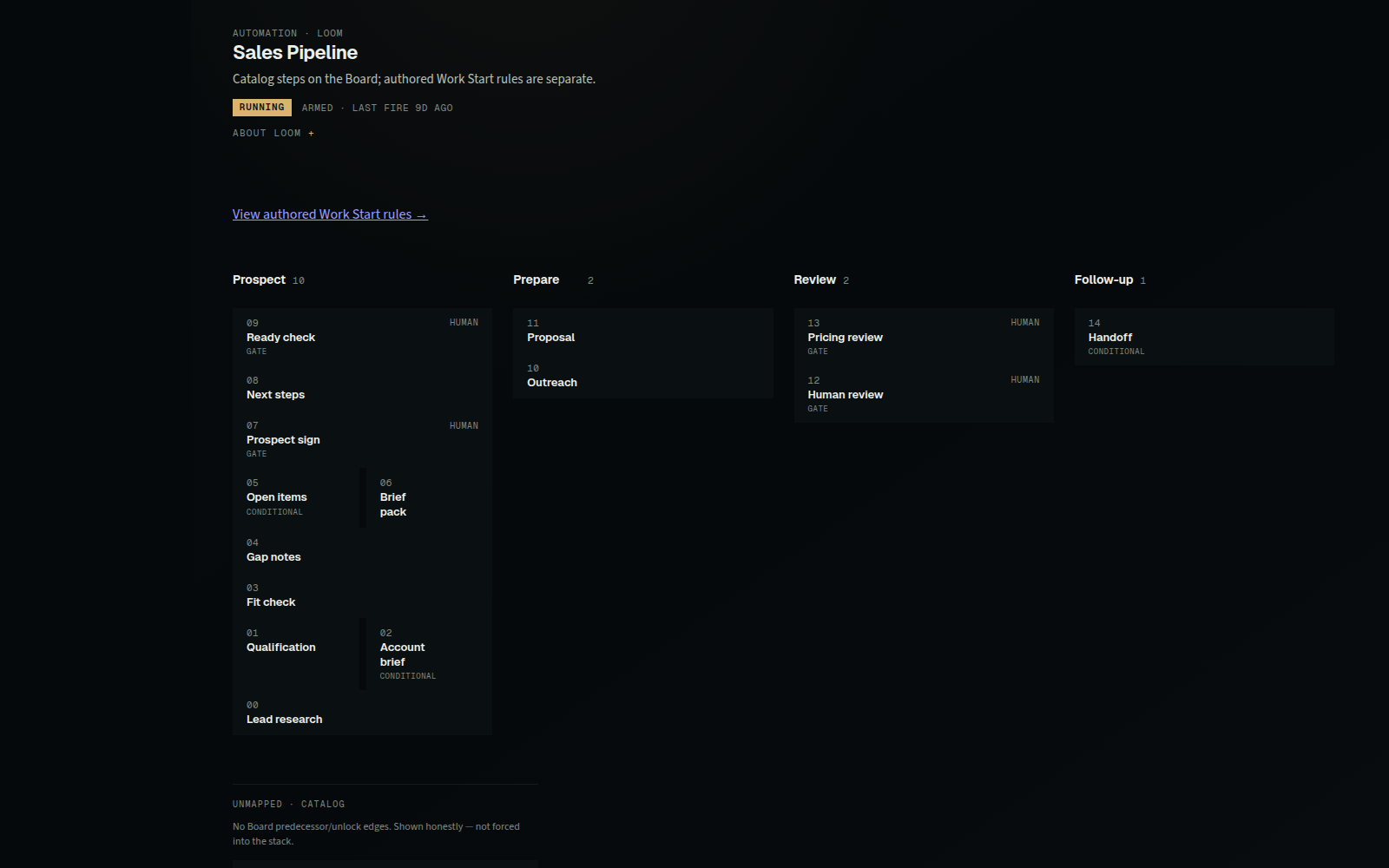
Current run
Sales context snapshot
Supplied account notes · Constraints · Prior decisions
Give your agents
- Supplied account notes
- Account constraints
- Prior account decisions
Coordinate the work
- Research and follow-up tasks
- People and agent owners
- Review gates and next actions
Get back
- Sources and follow-up draft
- Recorded actions and changes
- Accepted account decision
Next run
Sales context updated
Include the approved follow-up and account decision in the next sales brief.
Product
Turn product signals into a reviewable recommendation.
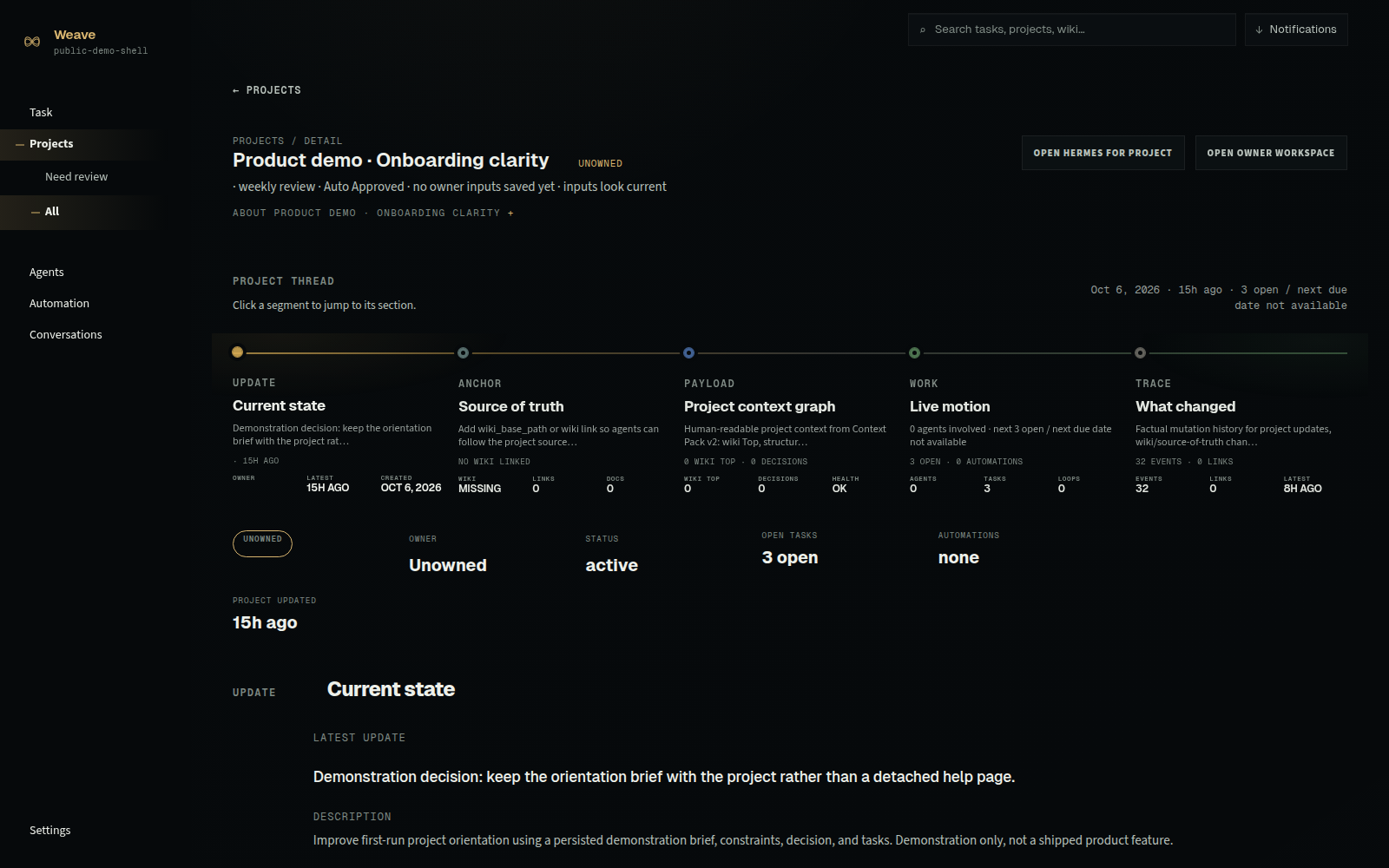
Current run
Product context snapshot
User signals · Product state · Prior decisions
Give your agents
- User signals
- Product and deployment state
- Constraints and prior decisions
Coordinate the work
- Discovery and specification tasks
- Owners and dependencies
- Review and decision gates
Get back
- Evidence and trade-offs
- Recorded actions and changes
- Accepted product decision
Next run
Product context updated
Include the accepted product decision and its trade-offs in the next product brief.
Developers
Review a code change against the deployment it serves.
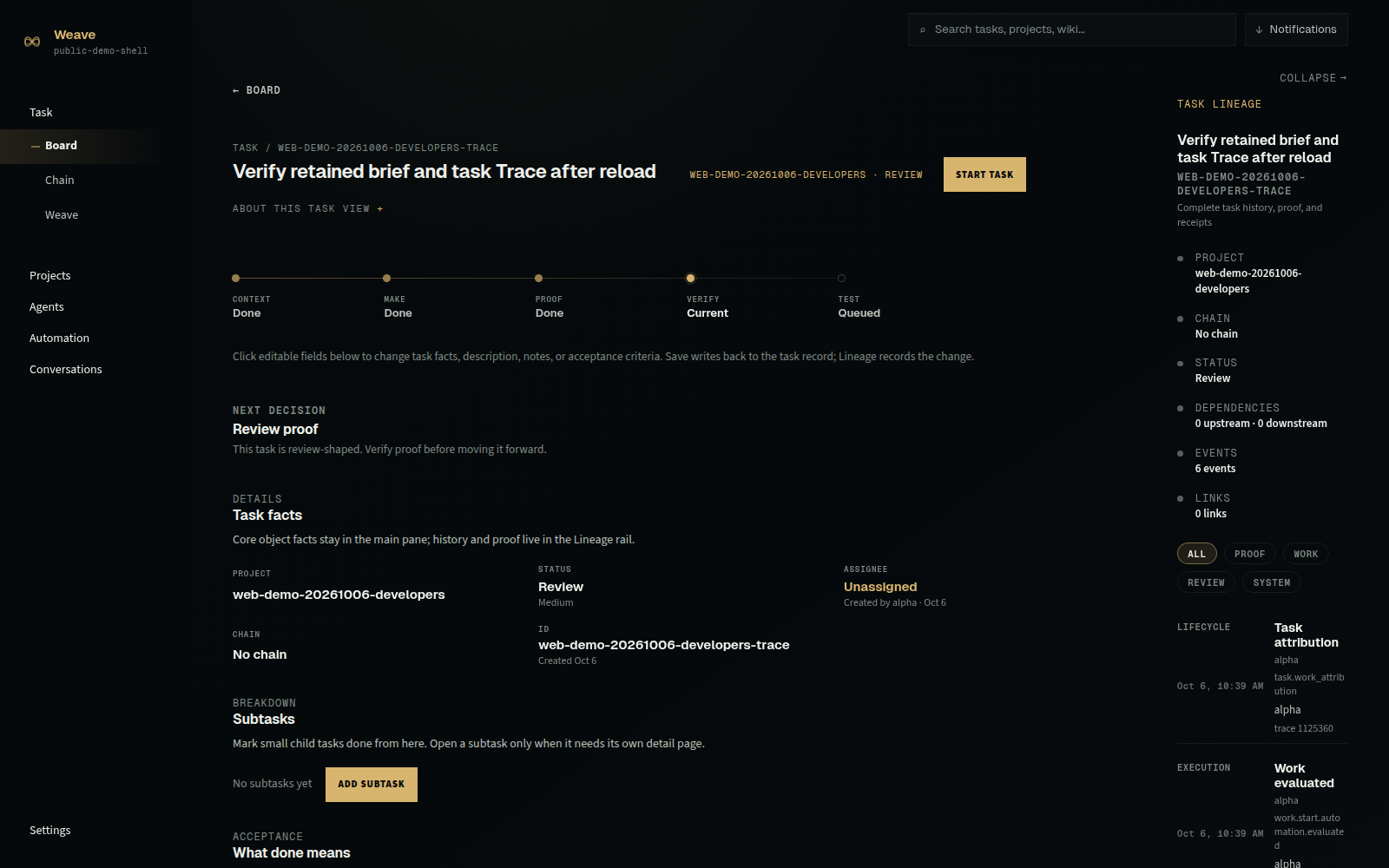
Current run
Developer context snapshot
Task context · Deployment state · Technical decisions
Give your agents
- Task and project context
- Current deployment state
- Accepted technical decisions
Coordinate the work
- Assigned coding-agent tasks
- Owners, status, and dependencies
- Review and acceptance gates
Get back
- Change and test evidence
- Recorded actions and changes
- Accepted technical result
Next run
Developer context updated
Include the accepted change and test results in the next developer brief.
Board · Review · Trace
See the path from task to decision.
Plan every step yourself or hand your agents the brief and let them plan it. Review each change with its evidence, accept what's right, and trace every result back to the work behind it.
Board · Launch
Track active work across your agents
Draft the launch recommendation
In review
Agent · Brief and competitor notes attached · First draft ready.
Build the go/no-go checklist
Ready
Maya · Owners assigned · Evidence fields still open.
Review · Consequential change
Decide on the changes waiting for you
Accept paid-social cut
Decision needed
Agent proposal removes paid social from week-one mix; impact and sources attached.
Hold trial at 14 days
Queued
Proposal shortens trial; support capacity and conversion notes attached.
Trace · After acceptance
See how your agents reached each result
Channel mix accepted
Verified
Decision record · Linked sources: brief, audience notes, competitor scan.
Checklist baseline recorded
Recorded
Action log: go/no-go items locked with owners · evidence required before ship.
Questions about Weave
Frequently asked questions
Can I bring my own agents and models?
Yes. Use any model or provider Hermes supports, including local models, through Weave's first-class Hermes integration. Bring your own model subscriptions or API keys.
Can I use Claude Code or Codex directly?
Yes. Work with Claude Code and Codex directly, without running them through Hermes.
Do I need to replace my existing tools?
No. Keep your editor, repositories and other tools, and give your agents' work one project and task record in Weave.
How can I try Weave or access the source?
Request access to review Weave before public release, while it's in private development with invited reviewers. Get the source at release, and use Weave free and open source, forever.
Why open source
Bring your own agents and models.
Inspect and adapt Weave's source with your coding agents at public release, and change the software as well as the workflow.
Use Weave free and open source, forever. Request access today, and get the source at public release.